Hello
In Zscaler Client Connector version 4.8 there is a new useful feature called Device Location Services.
In rare cases Zscaler thinks that your public IP address points to a different region than where you really are. This might lead to a situation where for example you’re in California, but you get mapped to a DC in Atlanta.
There are many ways to fix this but for the sake of this blog entry let’s limit it to two:
– you raise a ticket to get a so-called Geo override done by network support
– you enable Endpoint Location services (keyword: endPointLocationForDCSelectionVisibility)
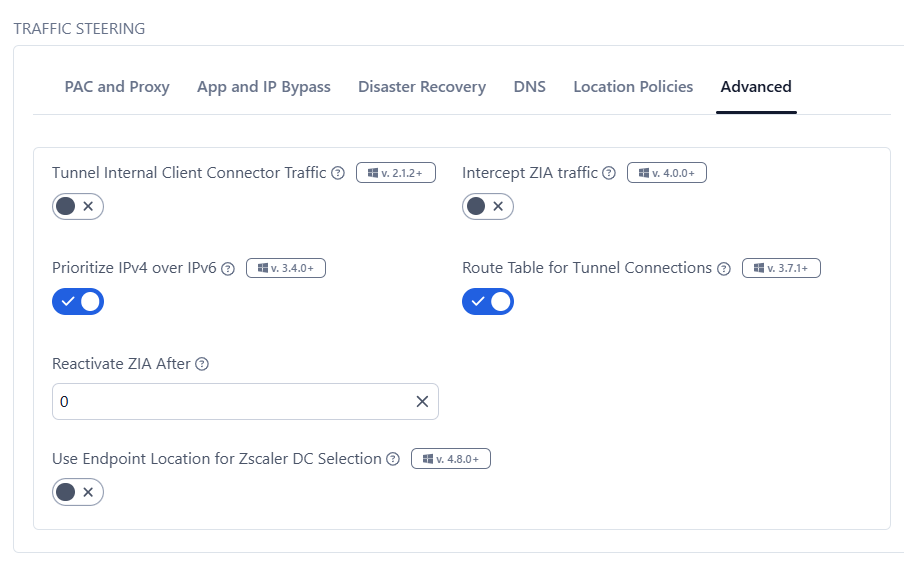
To get endpoint location services enabled, you also need to raise a ticket but only once to get this feature enabled. After this is done, you can see the option Use Endpoint Location for Zscaler DC Selection in the app profile under Advanced tab:
Let’s see if this actually does anything.
Before enabling it, Zscaler looks at my public IP and will probably think that my location is Warsaw, Poland.
I’m connected to London because with the test zscalerone cloud I don’t actually have a better option.
I then enable the feature and in Zscaler app click on Update Policy.

Let’s see if Windows Location services are on:
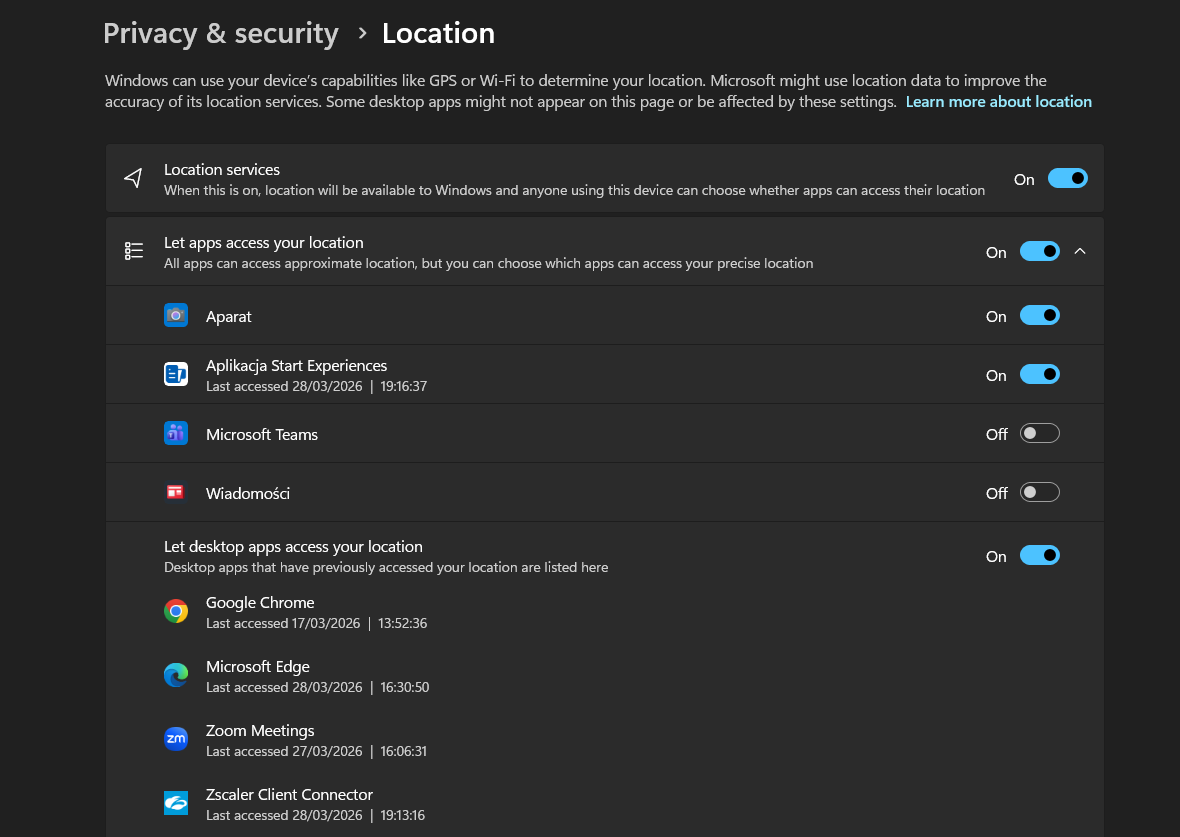
I can see that Zscaler Client Connector accessed my location just a moment ago.
If I export ZCC logs, i can see this bit in ZSATunnel logs from the last 15 minutes:

…and sadly it’s not working. ZCC fails to get my location and falls back to the IP mapping.
15 minutes later I realize that I first need to restart the ZCC service on my PC and then finally I see the following log entry :

This location is Strzelin, Poland. From now on, the choice of DC will be based on my geographical location and not on my public IP. In this case the difference is about 300km and while to me personally it makes no difference on the zscalerone cloud, if I was on a commercial ‘customer’ cloud, I would probably now get connected to Vienna DC rather than to Warsaw DC. Probably.
Finally, I would like to underline that my opinion is that this feature should only be enabled if you cannot change your DC selection in any other way. Treat it like a last-resort thing because it’s usually better to modify the PAC file (especially if you’re in Europe it’s a good idea to use the country gateway variable) or enable ZIA latency-based Service Edge assignment . Also, even if you’re very far away from a DC (in my case Poland > UK), the chances are that you will get a very good connection to it anyway. However, if you’re in a large country like the US, device location services might be quite useful.
 My name is Tomek De Wille. Welcome to my blog about Zscaler